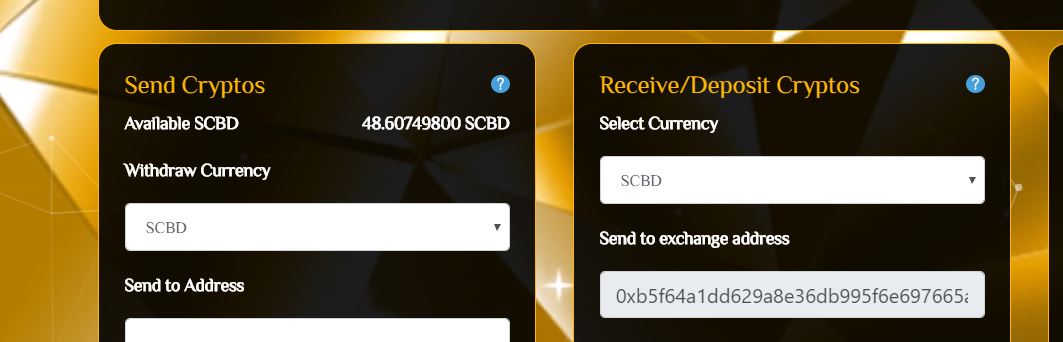
How to deposit ERC20 tokens from TREZOR
1. Connect TREZOR to your computer
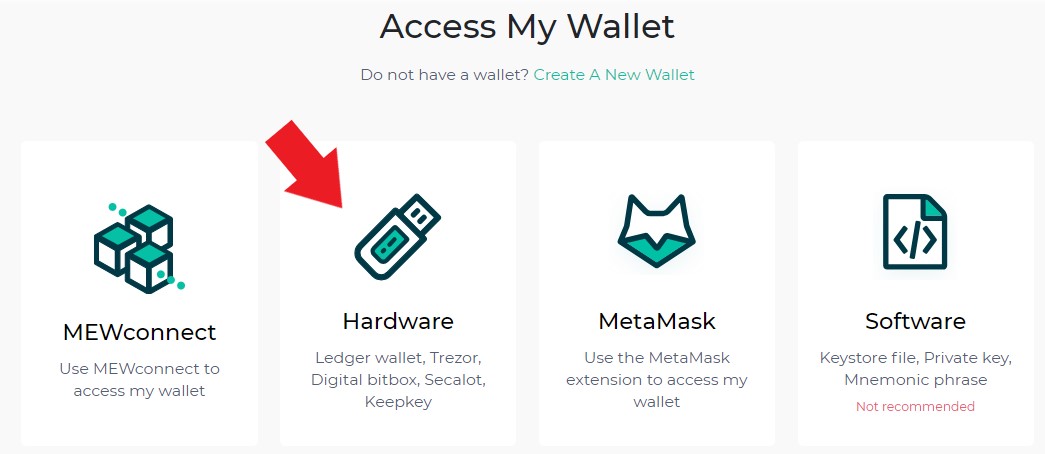
2. Go to https://www.myetherwallet.com/access-my-wallet and then choose "Hardware"
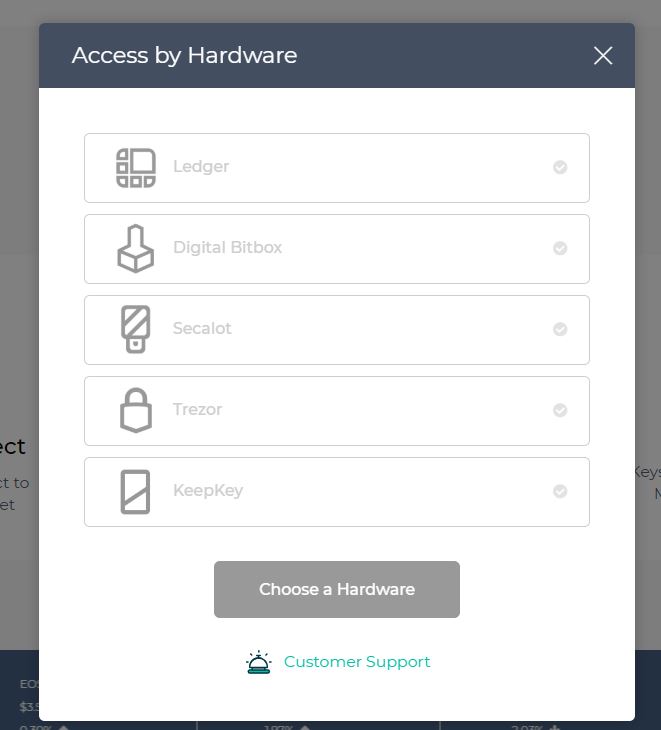
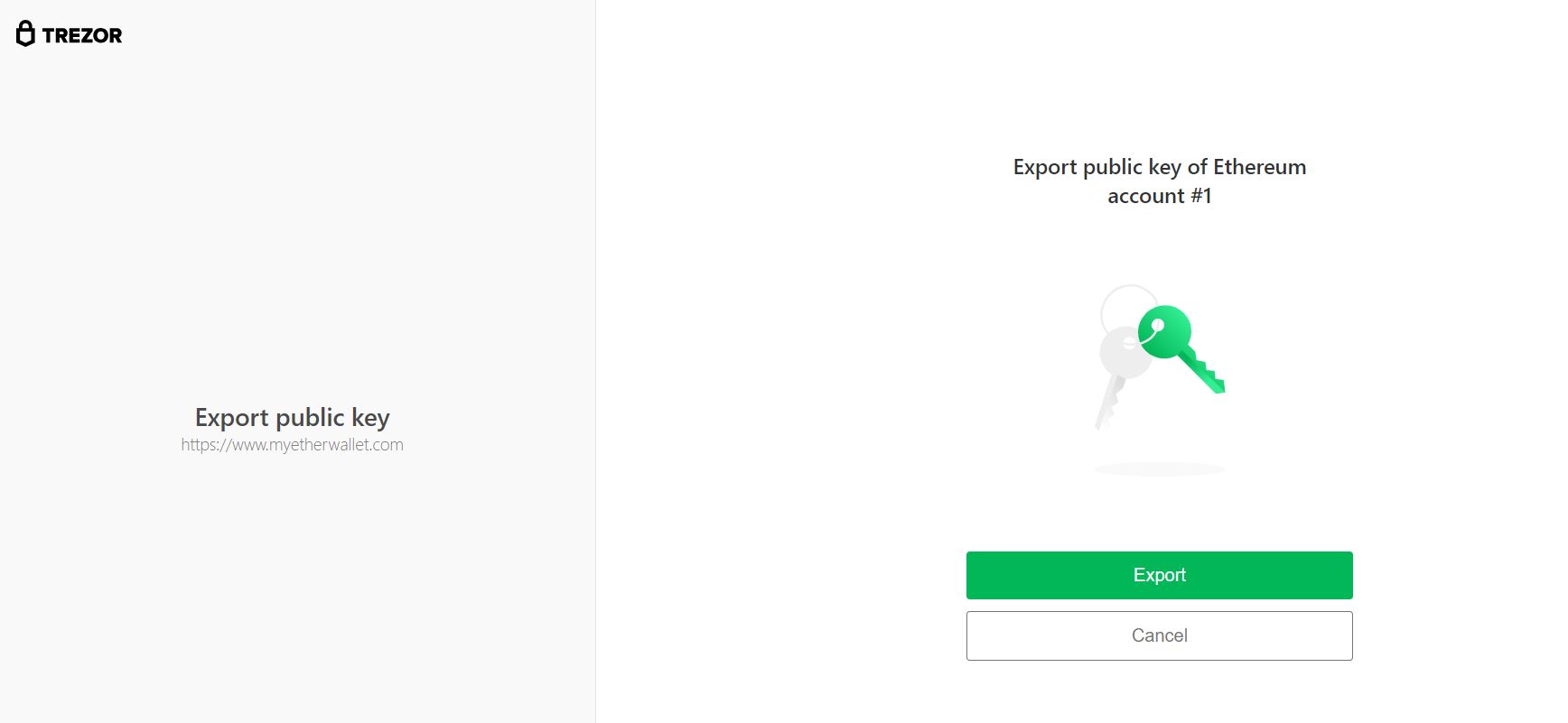
3. Select "Trezor" and You will be redirected to TREZOR site, unlock you TREZOR then click "Export"
4. Go to myetherwallet.com, select first address, accept Terms then click "Access my Wallet"

5. If you did not add token addresses go to this tutorial
6. Copy and Paste exchange wallet address from https://exchange.blockchainipb.com/cryptowalletnew.php, then type the amount and select currency you want to deposit and click "Generate Transaction"

7. After success transfer, go to https://exchange.blockchainipb.com/cryptowalletnew.php, select your deposit currency and paste your Account address on Sender Address


8. Click "Deposit Crypto", your updated balances is on the left panel